

Product Description
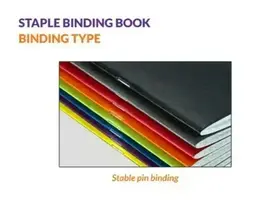
Staple Pin Binding
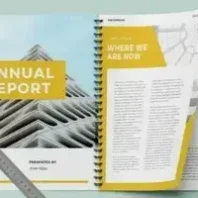
A5 & A4 Booklets
Staple Pin Binding is an economical and professional binding method, ideal for Booklets, Brochures, Catalogues, Manuals, Programmes, Forms and other Multi-Page Documents.
The printed sheets are folded and securely fastened with metal staples along the center, providing a neat, durable and easy-to-use finish.
Product Specifications
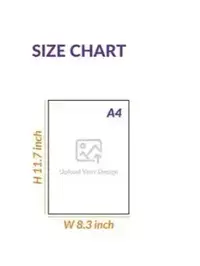
- Available Sizes: A5 & A4
- Binding Type: Staple Pin Binding
- Finish: Neat and professional
- Suitable for: Booklets, Brochures, Catalogues, Manuals, Programmes, Forms and Promotional Materials
Ideal For
- Schools & Colleges
- Offices & Businesses
- Clubs & Associations
- Events & Programmes
- Product Catalogues & Brochures
- Instruction Manuals & Information Booklets
Why Choose Staple Pin Binding?
✓ Economical binding option
✓ Clean and professional appearance
✓ Strong and secure fastening
✓ Easy to open and read
✓ Suitable for short-page-count booklets
Order your A5 & A4 Staple Pin Bound Booklets online with Homeland Services Printing Press.
Note: To process your order, you need to upload ready to print artwork file in JPG or PNG format.
All other artwork files PDF, CDR, EPS, AI or PSD should be sent by email to sales@homelandservices-press.in indicate your Name, Invoice No. and Date.
For document printing we recommend a PDF format file for perfect print.
Get your PDF file Proof Read
To make sure a document comes out just the way you want it, get a PDF print for proof reading and viewing. Please remember that we don’t review your documents for corrections, so double-check your spelling, text size and alignment before placing your order. You can also expect a degree of color variation as the precision and quality of our commercial printers is much higher than that of typical home/office printers.
For Bulk Orders, Customization or Support, contact our Sales Team on 9657396880 or send email to sales@homelandservices-press.in
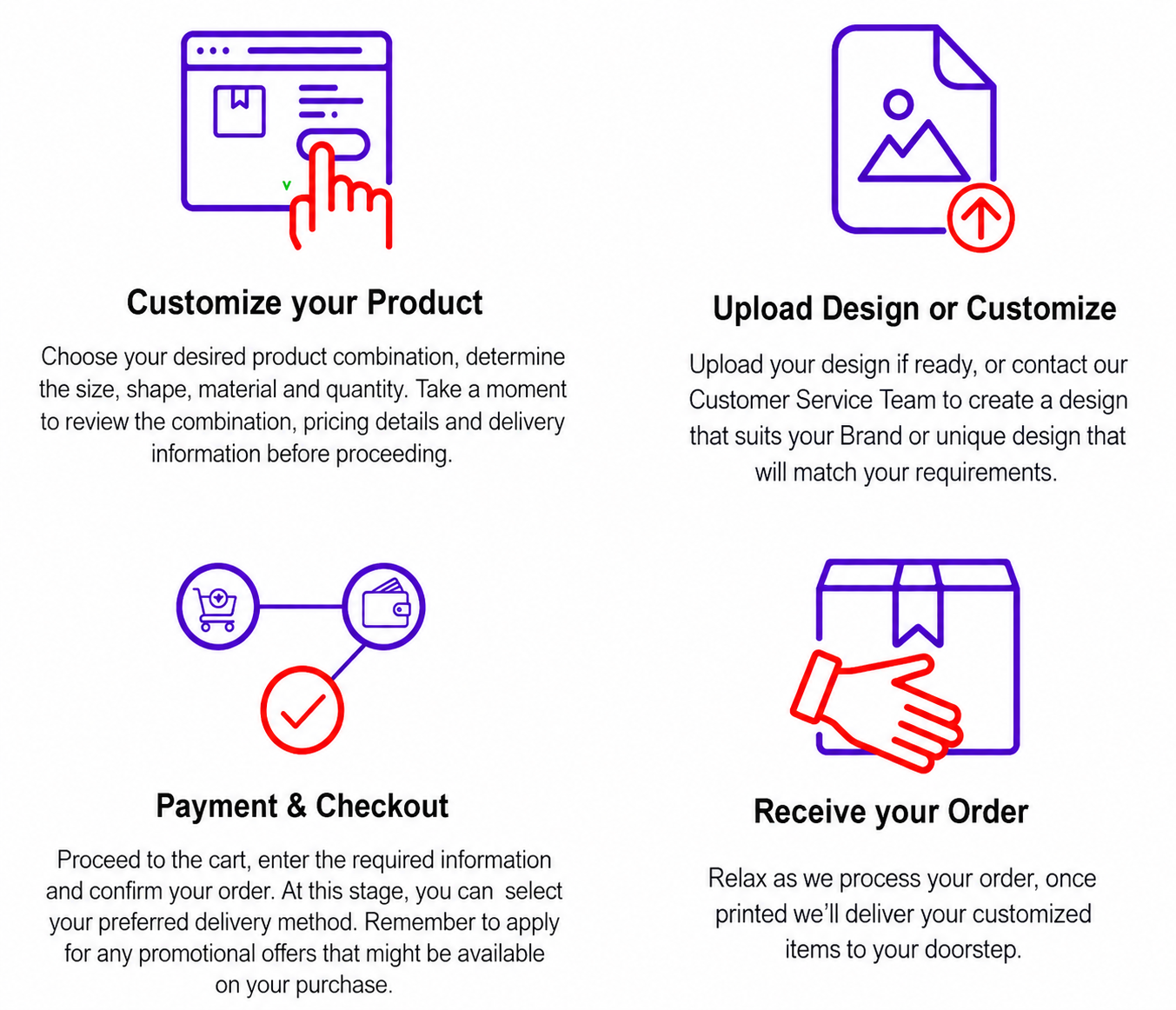
Ordering Process
Help Required
You may contact us by email sales@homelandservices-press.in or alternately contact our Sales Team on 9657396880.
Order More Save More
For higher quantities valued over Rs25,000 you may request discounted quote from our Sales Team.
Send your request via the Discount Inquiry Form
Frequently Asked Questions
Can I print on both the sides of my documents?
Sure, you can! We enable you to get single or double sides printed with our exclusive bulk printing services.
What kind of paper is used to print my documents?
We use good quality paper of 100gsm for printing the documents. Front cover will be printed on 250gsm with option for thermal lamination.
What is the maximum capacity that the documents can hold?
A5 & A4 Booklets can hold upto 40 pages.
How soon can you deliver my order?
Usually, it takes 2 to 7 working days to process your order.
Will I only get colour prints of my documents?
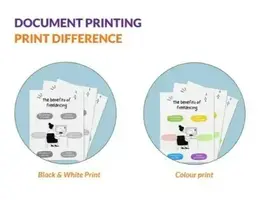
You have the option of getting Black & White or Colour prints from our online printing services.
How can I track my order?
You can track your order of customized documents with the notification sent on the mobile number and/or email that you have registered with us. Please note that the courier company updates their own tracking records. Sometime they might be slow in updating. You will receive updates on SMS once the order is shipped.
What is the minimum & maximum order?
You can order a minimum of 1 Book or as much as you require in a single order. There is no celling on maximum purchase. For bulk orders processing time might increase due to extra work load, but such information will be provided to you before you finally place your order.
For orders of higher value more than Rs25,000 you may request quotation for discount from us and our Sales Team will reach out to you regarding your requirement. Send your request via Discount Inquiry Form

Design Guidelines
1. Extend your design elements (like background colors or images) beyond the final trim edge. The standard bleed area is usually 3mm (0.125 inches) to 5mm (0.25 inches) on all sides.
2. Include crop or trim marks in the file to indicate where the paper should be trimmed after printing.
3. Keep important text and design elements at least 5mm (0.25 inches) inside the trim edge to prevent them from being cut off during trimming.
4. Use CMYK color mode for printing, as opposed to RGB which is used for digital screens.
5. Images should be high resolution (usually 300 DPI) to ensure crisp printing quality. Avoid using low-resolution images, which may appear pixelated when printed.
6.If your file is in Word Document, save it in PDF format before sending it for document printing.



Reviews
There are no reviews yet.